

Introduction: Why Industrial Automation Matters
If you’ve ever been knee-deep in Industrial Automation on the plant floor, you know it’s not just about pushing buttons and flipping switches. Industrial Automation transforms how manufacturing operates, making processes more efficient and less prone to human error. Let’s face it, nobody wants to be the one to stop a production line because of a simple oversight.
Industrial Automation involves using control systems like computers or robots to handle tasks usually done by humans. In modern manufacturing, it’s the backbone of productivity and precision. Without automation, you’d see far more downtime, increased costs, and let’s not forget — a lot more headaches for the plant personnel.
So who should care about this? Honestly, anyone involved in manufacturing, from engineers designing systems to line workers operating machines. If you’re looking to enhance production, reduce error rates, or just make life easier on the plant floor, Industrial Automation is something you should be paying attention to.
Understanding the Basics: Key Components and Systems
PLCs and Their Role
Now, let’s dive into the nuts and bolts of Industrial Automation. Programmable Logic Controllers, or PLCs, are like the brain of any automated system. They control everything from the speed of a conveyor belt to the temperature in a furnace. Think of them like the quarterback calling the shots.
Typically, you’ll find brands like Siemens S7-1200/1500, Allen Bradley CompactLogix/ControlLogix, and Mitsubishi FX/Q-series, each with their strengths. I personally have a soft spot for the Siemens S7-1200; it’s like an old friend you can always rely on. The S7-1200, for instance, is compact but powerful, making it ideal for smaller applications without sacrificing functionality.
SCADA Systems Overview
While PLCs do the heavy lifting, SCADA (Supervisory Control and Data Acquisition) systems provide the overview. They’re the eyes and ears, giving you real-time data to make informed decisions. Imagine knowing exactly what’s happening across your entire plant at any moment. It’s not just useful; it’s essential for smooth operations.
Popular SCADA systems include Wonderware, WinCC, and Ignition. Each has its unique features, but the core idea remains the same — providing a user-friendly interface so you can monitor and control your processes efficiently. For example, Wonderware is known for its intuitive interface and vast library of symbols, making it easier for operators to understand and interact with the system.
Role of Sensors and Actuators
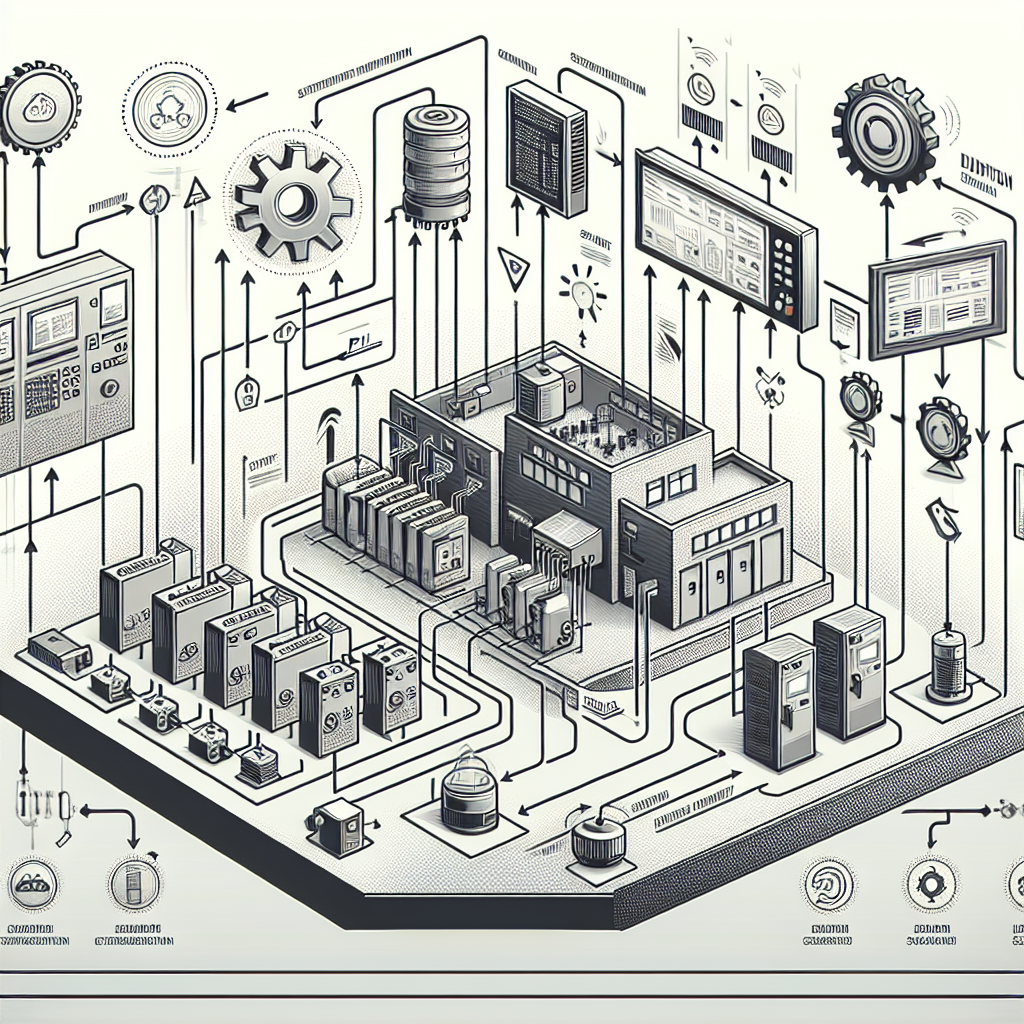
Sensors and actuators are the unsung heroes of Industrial Automation. Sensors like temperature probes or proximity switches gather data, while actuators, such as motors or valves, take action based on command signals. They’re the hands and feet moving to the beat set by the PLC.
Together, these components create a feedback loop. The sensors tell the PLC what’s happening, the PLC processes this information, and the actuators make the necessary adjustments. It’s this seamless interaction that keeps everything running smoothly.
From my experience: Always double-check your sensor calibrations. I once wasted half a day troubleshooting only to realize a miscalibrated temperature sensor was sending the wrong data.
Getting Started with PLC Programming
Basic Programming Languages
When you’re starting with PLC programming, you’ll encounter a variety of languages. The most common are Ladder Logic, Function Block Diagram (FBD), and Structured Text. Each has its use cases, but most of us start with Ladder Logic because it’s intuitive and closely resembles electrical relay logic.
In my experience, Ladder Logic is excellent for beginners because of its visual nature. You can see power flow and understand the control structure at a glance. However, as you advance, you might find Structured Text more efficient for complex algorithms, especially if you come from a programming background.
Introduction to Ladder Logic
Ladder Logic is a graphical language that looks like — you guessed it — a ladder. Each rung represents a control circuit. The beauty of Ladder Logic is in its simplicity. You can visualize how power flows from left to right, actuating outputs based on conditions set by inputs like switches or sensors.
Pro Tip: When creating Ladder Logic diagrams, always label your rungs and document your code. Trust me, future you will thank current you for the clarity.
Additionally, use comments liberally. One thing I’ve learned is that clear documentation saves time in troubleshooting. Imagine returning to a project after a few months and being able to understand your logic quickly because of good comments.
Common Mistakes to Avoid
Starting with PLCs can be daunting, and I’ve seen my fair share of mistakes. Let’s talk about a few you should avoid.
1. Not Grounding Systems Properly: This is a biggie. I learned this the hard way when I spent hours chasing an elusive error, only to find out it was due to a ground loop issue. Always ensure your systems are grounded correctly to avoid electrical noise interference.
2. Overcomplicating Logic: Keep it simple. If you can explain your program to a colleague in a few sentences, you’re on the right track. Don’t make your logic more complex than it needs to be. Simple and straightforward logic is easier to test and modify.
3. Failing to Simulate Programs: Always simulate your programs before going live. I’ve seen entire production lines go down because a simple logic error wasn’t caught in time. Simulation helps catch errors that could cause costly downtime.
4. Ignoring Maintenance: Regular maintenance is key. Don’t set your automation systems and forget them. You need to regularly check connections, update software, and recalibrate sensors. It’s like changing the oil in your car — essential for long-term performance.
5. Overlooking Documentation: Document everything. I can’t stress this enough. Whether it’s the logic of a PLC program or the configuration of a network device, having detailed documentation is crucial for troubleshooting and future upgrades.
Networking and Communication Protocols
Understanding Profinet and Modbus
Networking in Industrial Automation isn’t just about connecting devices; it’s about ensuring they communicate effectively. Profinet and Modbus are two popular protocols you’ll encounter. Profinet, being an industrial Ethernet standard, is fast and used widely for automation. Modbus, on the other hand, is known for its simplicity and robustness, often used for connecting different types of devices.
Here’s the thing: choosing between Profinet and Modbus often depends on your specific application needs. Profinet is excellent for high-speed, real-time control, while Modbus is great for simpler, slower applications where cost savings are a priority.
Common Network Challenges
Network challenges can be a real headache. From incorrect IP addresses to subnet mismatches, there’s plenty that can go wrong. One time, I spent hours debugging a Modbus timeout, only to realize it was due to a loose RS-485 terminal. Therefore, always check physical connections first.
Tip: If you’re dealing with intermittent communication issues, always start by checking your cables and connections. A simple jiggle might reveal a loose wire that’s been causing you endless frustration.
Best Practices for Reliable Communication
For reliable networking, ensure your cables are of good quality (like Belden 9841 for RS-485), and keep them away from high power lines to avoid electrical noise. Use managed switches to control data flow effectively and always have a network map handy. It’s like having a treasure map when something goes wrong.
Pro Tip: Maintain a checklist for network setup. Trust me, it saves a lot of back-and-forth when you can tick off steps as you go.
In addition, keep your firmware updated. Manufacturers like Siemens and Rockwell frequently release updates that can fix bugs and improve performance.
Practical Tips for Troubleshooting
Here’s the thing about industrial automation: it’s not just about setting things up and letting them run. It’s about keeping them running efficiently. And trust me, you’ll spend a lot of time troubleshooting. So, let’s dive into some practical tips.
Identifying Common Faults
First, you need to know the usual suspects. In my experience, most VFD faults come down to parameter misconfiguration. Similarly, PLC issues often involve faulty I/O modules or power supply problems. Meanwhile, network problems usually revolve around incorrect IP settings or faulty cabling.
Furthermore, always be on the lookout for environmental factors. Dust, humidity, and temperature can affect the performance of your automation equipment. Regular inspection can prevent these issues from becoming major headaches.
Tools and Techniques
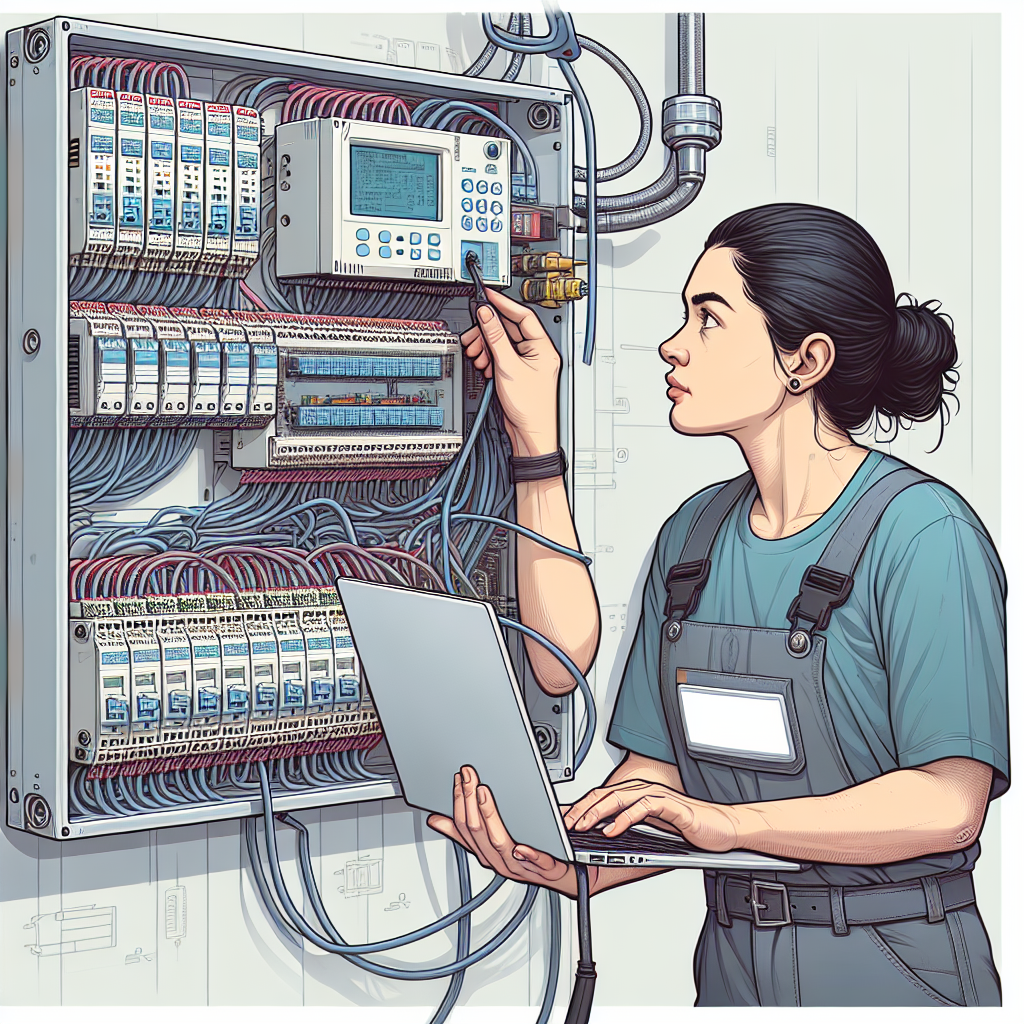
Now, let’s talk tools. A good multimeter is indispensable. I personally prefer the Fluke 117 for its reliability. Additionally, you’ll want a laptop with the right software tools—like TIA Portal for Siemens or RSLogix for Allen Bradley. And don’t forget a reliable network tester for checking Ethernet and Profinet cables.
Moreover, invest in a quality infrared thermometer. This tool can help you spot overheating components before they fail, saving both time and money on repairs.
Real-world Problem-solving Examples
For instance, I once spent 3 hours debugging a Modbus timeout that was actually caused by a loose RS-485 terminal. Funny enough, it was the last thing I checked. The real trick is to always suspect the simplest issues first. Like they say, “Check the connections.”
Another time, we had a mysterious intermittent fault in a conveyor system. After chasing phantom errors in the logic, we finally found a partially broken wire inside a cable duct. Lesson learned: don’t underestimate the power of visual inspections.
Safety Considerations in Industrial Automation
Safety in industrial automation is non-negotiable. You don’t want to take shortcuts here. Let’s break it down.
Understanding Safety Standards
First, know your standards. IEC 61508 and ISO 13849 are the big ones. They help you assess and mitigate risks. So make sure you’re familiar with them. They provide the framework for determining safety integrity levels (SILs), which are crucial for system safety.
Additionally, these standards are not just bureaucratic red tape. They’re designed on real-world incidents and aim to prevent future accidents. Therefore, embracing them not only protects workers but also secures your operations.
Implementing Safety Protocols
Moreover, implementing safety protocols isn’t just about having a safety relay. It’s about a holistic approach. Use redundant systems where necessary. Redundancy ensures that even if one system fails, another kicks in to keep things safe. For instance, in a conveyor system, an extra e-stop button can make all the difference.
Furthermore, conduct regular safety drills. These drills ensure that your team knows how to respond in an emergency, turning procedures into reflexes.
Role of Redundancy in Safety
Furthermore, redundancy isn’t just a safety feature—it’s peace of mind. In my opinion, it’s always better to over-engineer your safety systems than to under-engineer them. Better safe than sorry, right?
Consider dual-channel safety systems for critical operations. These systems check each other, ensuring that a single fault doesn’t result in a safety hazard. It’s a small investment for a large return in safety.
Frequently Asked Questions
What is the difference between PLC and SCADA?
PLC is a hardware-based device for automating processes. It controls machinery on a production line. SCADA is a software-based system used for monitoring and controlling processes remotely. While PLCs do the hands-on work, SCADA provides the oversight and control, offering a broader operational view.
How do I start learning PLC programming?
Start with the basics. Familiarize yourself with ladder logic first. There are plenty of online resources and courses available. Additionally, pick a specific brand like Siemens or Allen Bradley to focus on. Focus on practical exercises to solidify your understanding.
Consider starting with some beginner kits that include a small PLC and programming software. These kits are a great way to get hands-on experience without the risk of affecting production lines.
What are the common network issues in automation?
Common issues include IP conflicts, faulty cables, and misconfigured network settings. Set static IPs for critical devices to avoid conflicts. Moreover, regularly inspect and test cables to prevent communication drops. Staying proactive can save you hours of troubleshooting later.
How do I ensure safety in industrial automation?
Set up comprehensive safety protocols. Know your standards like IEC 61508. Implement redundancy in critical systems. Regularly test safety systems—don’t just set and forget them. Your goal is to minimize risk at every step. Prioritize safety as much as productivity.
Why is ladder logic so popular in industrial automation?
Ladder Logic is popular because it’s simple and intuitive, resembling traditional electrical schematics. It’s easy to learn for technicians and engineers who are familiar with relay logic. Additionally, its graphical nature makes it easy to understand and debug, which is crucial in fast-paced industrial environments.
What are the benefits of using managed switches in industrial networks?
Managed switches offer several benefits, including traffic management, diagnostics, and enhanced security features. They allow you to segment your network, prioritize traffic, and monitor network health. This leads to improved performance and easier troubleshooting, which is essential in keeping industrial systems running smoothly.
Key Takeaways
So, what should you remember? Industrial automation is as much about maintaining systems as it is about setting them up. Keep your tools ready and your knowledge up-to-date. Safety isn’t just another box to check—it’s a priority. And for those new to PLC programming: practice makes perfect.
Explore the resources and discussions on Industrial Gyan to further your journey in automation. Get hands-on, stay curious, and always be open to learning more. There’s so much more to explore and understand in this field.
Now get out there and automate the world safely!

I am an electrical & automation engineer with extensive experience in Design, PLC programming, SCADA development, and IoT integration. I have a strong background in the industry, focusing on the Design & Development of Hardware, Software &Industry 4.0 technologies, and the integration of intelligent manufacturing systems.
I have a deep understanding of electrical principles and am proficient in various programming languages, including Ladder Logic, Structured Text, and Python. In addition, I have experience with various PLC, SCADA & IoT technologies and a track record of successful integration projects for various clients.