

Introduction: The Heartbeat of Automation
If your work involves PLC programming on the plant floor, you know it’s the heartbeat of modern automation. PLCs, or Programmable Logic Controllers, are the unsung heroes that keep our machines running smoothly. I remember my first encounter with PLC programming vividly. Picture this: a young engineer, fresh out of college, eager to impress. I was tasked with programming an Allen Bradley CompactLogix PLC. Everything was going smoothly until, suddenly, nothing worked as expected. Turns out, I had misconfigured some critical parameters. Three hours later, with some help from a seasoned colleague, I finally got it right. That day, I learned the hard way that in PLC programming, the devil truly is in the details.
Why is getting the basics right so crucial? Well, PLCs control everything from conveyor belts to complex robotic systems. A single misstep can lead to downtime, or worse, a safety incident. Trust me, you don’t want to be in that hot seat. So, let’s talk about how you can master this essential skill on the plant floor.
Understanding PLC Basics
What is a PLC?
First things first, what exactly is a PLC? Think of it as the brain of your industrial automation system. A PLC is a ruggedized digital computer designed for industrial applications. It continuously monitors inputs and makes decisions based on its program to control outputs. This ability makes it indispensable in manufacturing environments.
Key Components of a PLC
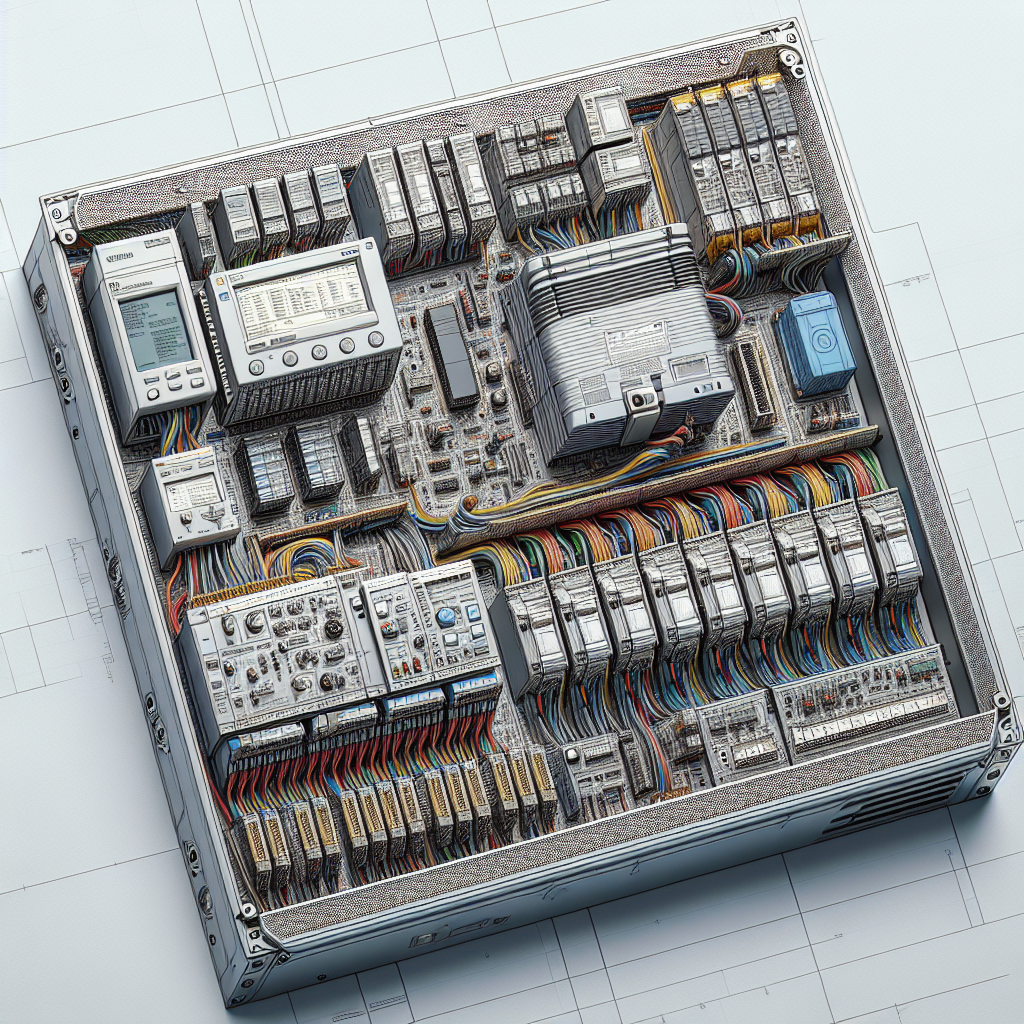
Let’s break down the core components. At its heart, the PLC’s CPU is the brain, executing control instructions and data processing. Then there are I/O modules. The input modules receive signals from the field devices, while the output modules send control signals to actuators. And don’t forget the power supply, which provides the necessary energy to keep everything running.
As for brands, Siemens, Allen Bradley, and Mitsubishi are the big players. Each has its own strengths. Siemens’ S7-1200/1500 series is known for its versatility, while Allen Bradley’s CompactLogix/ControlLogix is favored for its robust network capabilities. Mitsubishi’s FX/Q-series is often praised for its cost-effectiveness.
Programming Languages: Ladder Logic and Beyond
Ladder Logic: The Foundation
Here’s the thing, when it comes to PLC programming, ladder logic is often where most of us start. It’s visually intuitive, resembling electrical relay logic, and is user-friendly for engineers familiar with electrical schematics. It’s especially effective when you’re troubleshooting. I once had a case with a Siemens S7-1500 where a simple ladder logic rung helped identify a faulty sensor causing intermittent production stops.
Structured Text and Function Block Diagram
However, ladder logic isn’t the only game in town. Let’s talk about Structured Text and Function Block Diagram (FBD). They’re part of the IEC 61131-3 standard, which defines five programming languages for industrial control systems. Structured Text, akin to high-level programming languages like Pascal, is great for complex algorithms. FBD, on the other hand, is graphical and ideal for signal processing tasks.
While ladder logic shines in simplicity and ease of troubleshooting, Structured Text is unbeatable for complex calculations and data handling. In my experience, when you’re dealing with intricate mathematical operations, you’ll want to lean on Structured Text. Function Block Diagram, meanwhile, is perfect when you’re dealing with process control in a visual format, making it easier to interpret for process engineers.

From my experience, a mix of these languages often yields the best results. The real trick is knowing when to use each one. For basic on/off control, ladder logic is your best friend. But when you’re diving into complex logic, don’t shy away from Structured Text or FBD.
Best Practices for PLC Configuration
Initial Setup and Parameter Configuration
Now here’s where it gets interesting. The initial setup is your foundation, and getting it right pays off in spades. Start with a clean, organized workspace in your PLC programming software—whether it’s Siemens TIA Portal, Rockwell’s RSLogix 5000, or Mitsubishi’s GX Works. Ensure all firmware and software are up-to-date. Before diving into the code, check your hardware configurations against the physical wiring. You don’t want to chase ghosts when a simple mismatch could be the real issue.
Handling I/O Mapping
When it comes to I/O mapping, precision is key. Properly mapping your inputs and outputs to the PLC’s I/O modules can save you from nightmares down the line. I usually map the I/O in a spreadsheet before entering it into the PLC software. This way, I can visualize the entire layout and ensure nothing’s missed.
Common pitfalls? Mislabeling or mixing up digital and analog signals. A wrong address can lead to hours of head-scratching. Therefore, double-checking your mappings is a must. I’ve seen engineers waste whole shifts chasing faulty inputs that turned out to be nothing more than a swapped wire on an I/O terminal block.
Pro Tip: Always document your I/O mapping with as much detail as possible. It might seem tedious, but it becomes your best friend when troubleshooting or during audits.
In addition, configuring the parameters correctly is crucial. It’s easy to gloss over these, but setting them wrong can lead to erratic equipment behavior. For example, incorrect scaling of an analog input can cause significant control issues. Personally, I always verify scaling parameters in the field with actual process values.
In summary, mastering PLC programming isn’t just about writing code. It’s about understanding the hardware, the software, and the real-world processes you’re controlling. Get these basics right, and you’ll save yourself a lot of headaches down the line. And remember, there’s no substitute for experience. So get out there, make some mistakes, and learn from them.
Advanced Programming Techniques
Creating Modular Code
Creating modular code is like building with LEGO blocks — each piece can stand alone but together they create something complex. In PLC programming, modular code enhances scalability and maintenance. Trust me, it’s a lifesaver when you’re knee-deep in a multi-project environment. By breaking down your program into smaller, reusable segments or functions, you not only simplify the initial programming but also future-proof your system for updates and troubleshooting. For instance, you can create a standard motor control module and reuse it across different projects, ensuring consistency and reducing development time.
Debugging and Testing Strategies
Debugging is where the real headache can start. I once spent three hours tracking down a Modbus timeout issue, only to find that a loose RS-485 terminal was the culprit. Effective debugging techniques are essential. Start with a checklist: verify connections, check the power, and ensure correct configurations. Use PLC software tools like watch tables to monitor real-time data and variables. Sometimes, just observing the system behavior can provide insights into the problem.
Testing strategies are crucial to ensure reliability. I’ve found the best approach is to simulate your process whenever possible. By creating a virtual plant model, you can test your logic in a controlled environment before going live. This reduces the risk of unexpected behavior during actual operations. Additionally, employ peer reviews of your code. A fresh pair of eyes can catch issues you might miss.
Common Mistakes to Avoid
Even seasoned engineers can fall into these traps. Let’s dive into some of the most common mistakes I’ve seen over the years and how you can avoid them.
1. Overlooking Power Supply Requirements
This one’s a classic. It’s easy to overlook the power supply requirements during initial setups. Once, we had a situation where intermittent PLC resets stumped us for hours. The root cause? Insufficient power supply capacity. Always ensure your power supply can handle the demand of all connected devices, not just the PLC.
2. Ignoring Proper Grounding
Improper grounding can wreak havoc, causing erratic signals and even damaging components. During a retrofit project, we faced mysterious actuator faults, which traced back to grounding issues. Ensure all components are properly grounded, using recommended practices and checking continuity.
3. Skipping Firmware Updates
Firmware updates often come with critical bug fixes and improvements. However, skipping them can lead to unforeseen issues. I recall an incident where old firmware caused communication interruptions with our HMI. Regularly check for updates and apply them during scheduled maintenance windows.
4. Inadequate User Training
Even the best systems can falter if users aren’t adequately trained. Once, a team member’s unfamiliarity with a Mitsubishi Q-series PLC resulted in an incorrect program load, halting production. Make sure your team is well-versed with the specific PLC systems they’re working on.
5. Poor Documentation Practices
Finally, never underestimate the power of detailed documentation. I once revisited a project years later, only to find cryptic code without comments. Needless to say, it was a nightmare to decipher. Always document program changes, I/O mappings, and rationale for specific configurations.
Frequently Asked Questions
Why is my PLC not communicating with the HMI?
First, ensure both devices share the same communication protocol and settings. Check the IP addresses, subnet masks, and gateway configurations. Additionally, verify the physical connections and ensure there are no loose cables. If everything looks fine, try restarting both devices. Sometimes, a simple power cycle resolves communication issues.
How do I resolve a persistent I/O fault?
Start by inspecting the physical connections — a loose or damaged wire often causes faults. Check for any blown fuses or tripped breakers. If the hardware is intact, delve into the software configuration. Ensure that your I/O addresses match the physical configuration and are correctly mapped in the PLC program.
What should I check if the PLC program isn’t executing?
Verify that the PLC is in RUN mode. If not, switch it from PROGRAM or STOP mode to RUN. Ensure there’s no power failure or emergency stop condition. Furthermore, check the watchdog timers and program faults in the diagnostics menu. Sometimes, the issue lies in a halted program due to an unhandled fault.
Can I use the same program on different PLC brands?
While the core logic can often be transferred, each brand has unique instructions and configurations. You’ll need to adapt communication protocols, I/O addresses, and specific function codes. However, maintaining a modular code structure can make this transition smoother.
How often should I back up my PLC programs?
Regular backups are a must. I personally recommend backing up after every significant change or update. Additionally, schedule routine backups weekly or monthly, depending on how critical the process is and how often the PLC program changes. Keep these backups in a safe, accessible location.
Key Takeaways and Quick Reference
Let’s wrap this up. Mastering PLC programming involves understanding the basics, embracing best practices, and knowing advanced techniques. Here’s a quick checklist: Document your code, test thoroughly, and back up regularly. Avoid common pitfalls by double-checking your configurations and maintaining rigorous testing protocols.
For continued learning, check out our other articles on advanced PLC techniques and troubleshooting guides. Also, the Siemens and Rockwell Automation websites offer comprehensive resources.
Honestly, I think the best way to get better at PLC programming is through hands-on experience. Don’t shy away from challenges; tackle them head-on and learn from every mistake. Share your insights and stories with others in the community. That’s how we grow.
If you’ve got questions or tips of your own, drop a comment or reach out. I’m always up for a chat over virtual chai.

I am an electrical & automation engineer with extensive experience in Design, PLC programming, SCADA development, and IoT integration. I have a strong background in the industry, focusing on the Design & Development of Hardware, Software &Industry 4.0 technologies, and the integration of intelligent manufacturing systems.
I have a deep understanding of electrical principles and am proficient in various programming languages, including Ladder Logic, Structured Text, and Python. In addition, I have experience with various PLC, SCADA & IoT technologies and a track record of successful integration projects for various clients.