
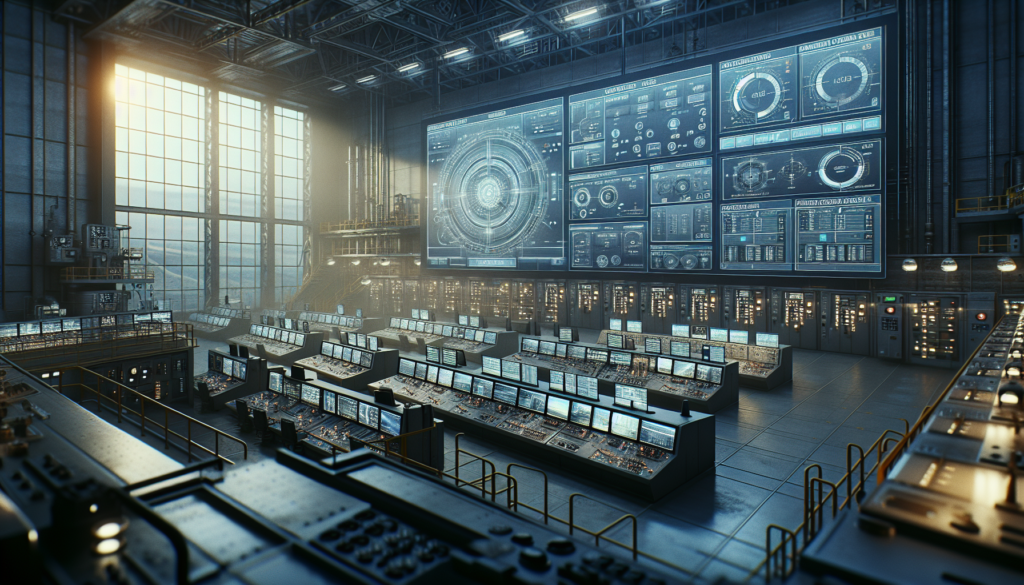
Introduction: The Importance of SCADA Design
If you’ve ever dealt with SCADA design issues on the plant floor, you know how frustrating they can be. Trust me, I’ve been there. I once found myself knee-deep in code at 3 AM because a SCADA system wasn’t properly configured. That’s when you realize just how crucial a well-designed SCADA system is.
SCADA systems are the backbone of industrial automation, providing real-time data, monitoring, and control. They ensure processes run smoothly, efficiently, and safely. Without them, you’re flying blind. However, designing an effective SCADA system comes with its own set of challenges. You need to integrate various components like PLCs, RTUs, and HMIs seamlessly. Plus, there’s the hurdle of ensuring compatibility and reliability, all while keeping costs in check.
The real trick is knowing your system inside out and avoiding the usual pitfalls. In my experience, most SCADA system failures come down to the lack of foresight during the design phase. So, let’s get into the nitty-gritty of what makes a SCADA system tick and how you can master its design.
Understanding SCADA System Architecture
When it comes to SCADA design, understanding the architecture is half the battle. A typical SCADA system comprises several key components: Remote Terminal Units (RTUs), Programmable Logic Controllers (PLCs), Human-Machine Interfaces (HMIs), and the central SCADA software itself.
Data flow in a SCADA system is quite the dance. It starts with sensors and actuators sending signals to RTUs and PLCs. These controllers process the data and communicate it to the SCADA software, which then translates it into user-friendly visuals on the HMI. Meanwhile, the operator can send commands back through this chain to control processes in real-time.
Here’s the thing, the architecture of a SCADA system needs to be robust and scalable. You don’t want to hit a wall when your plant expands. Moreover, each component has to play nicely with the others. PLCs and RTUs handle the grunt work, collecting data and executing commands. HMIs provide operators with the interface to monitor and control processes, making their role critical in the overall usability of the system.
The integration of SCADA systems with other systems like ERP (Enterprise Resource Planning) and MES (Manufacturing Execution Systems) further complicates the architecture but offers powerful advantages. For instance, linking SCADA to an ERP system allows for better resource planning and decision-making.
Now, let’s add a real-world touch. I remember one site where we underestimated the data load when integrating the SCADA with an ERP system. Midway through implementation, we faced severe data lag, causing major headaches. It taught us to plan for scalability from the get-go.
Selecting the Right Hardware for SCADA
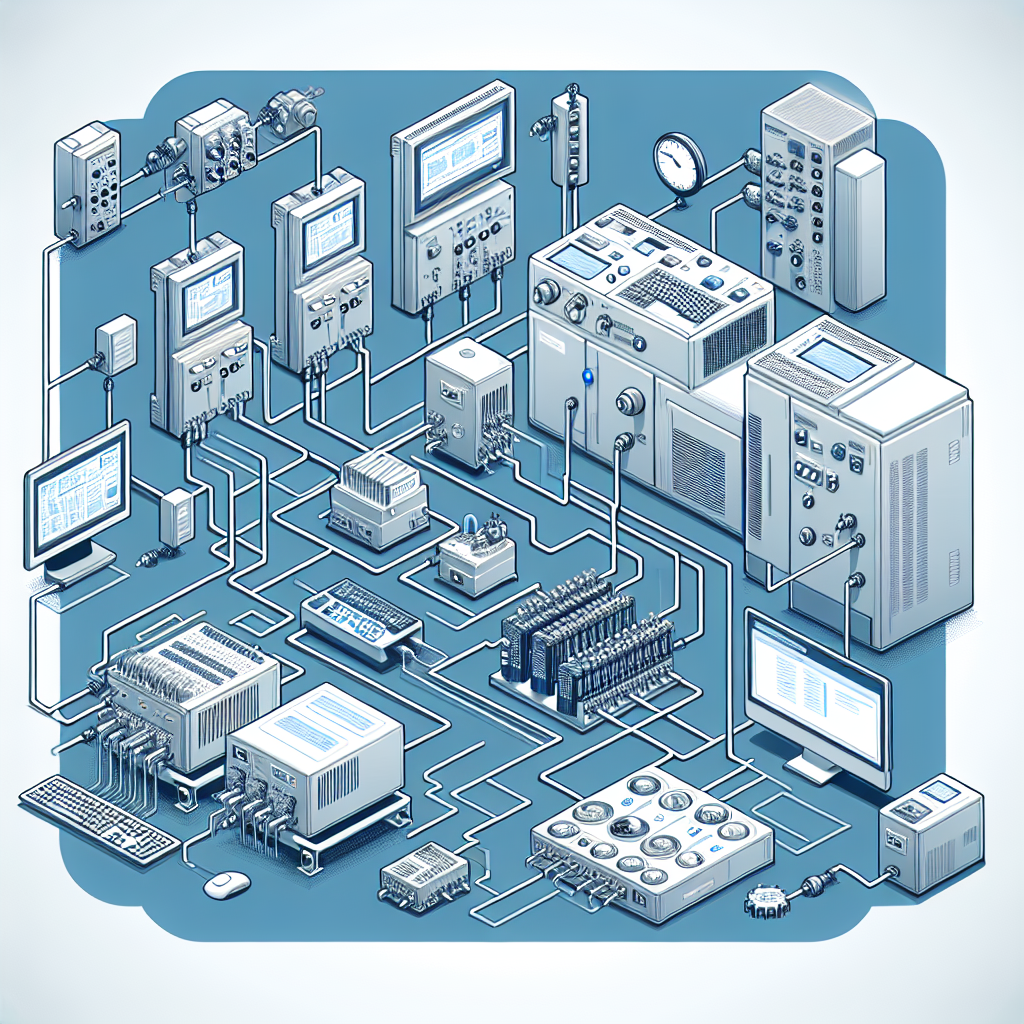
Choosing the right hardware can make or break your SCADA design. You need to select PLCs and RTUs that are not only compatible with your SCADA software but also reliable under the harsh conditions of an industrial environment. For example, I’ve had great experiences with Siemens S7-1200 and Allen Bradley CompactLogix PLCs, both of which offer robustness and flexibility.
When it comes to HMIs, you’ll want to consider screen size, resolution, and touch capability. It’s like picking a smartphone, but one that’ll withstand dust, moisture, and high temperatures. Don’t skimp on quality here, as a poorly chosen HMI can slow down operations and frustrate operators.
Pro Tip: Always check the environmental ratings of your hardware. Equipment that’s not rated for your plant conditions will fail faster than you can troubleshoot it.
Additionally, compatibility is key. Ensure your PLCs, RTUs, and HMIs can communicate effectively. This often means sticking within a brand family or ensuring your communication protocols are aligned. For instance, using Profinet across Siemens devices can simplify integration.
Real-world setups I’ve seen often pair PLCs with rugged RTUs like the Schneider Electric SCADAPack, which excels in remote locations with limited connectivity. This combo can be a lifesaver in facilities spread over large areas or with harsh environmental conditions.
Here’s another story: I once worked with a plant where the SCADA hardware was sourced from multiple vendors. It became a nightmare to troubleshoot due to incompatible protocols. We ended up standardizing on a single vendor to streamline operations.
SCADA Software: What You Need to Know
When it comes to SCADA software, you’re spoiled for choice. Popular options include Siemens WinCC, Rockwell Automation’s FactoryTalk, and Inductive Automation’s Ignition. Each of these platforms has its strengths and quirks. For instance, WinCC is great for Siemens-heavy setups, while Ignition offers flexibility with third-party integrations.
Configuration is where many stumble. You need to tailor the software to your plant’s specific needs. This includes setting up alarms, defining user permissions, and creating HMI screens that are intuitive. A cluttered interface is a nightmare for operators. Keep it clean and functional.
Moreover, the key features to look for include real-time data processing, historical data storage, and a robust alarm management system. Also, see if the software supports mobile access, which can be a game-changer for on-the-go monitoring.
From my experience: Start with a small pilot project to get a feel for the software’s capabilities and limitations. This can save you heaps of trouble when scaling up.
Customizing software to fit your needs is where you can really shine as an engineer. Whether you’re tweaking WinCC or FactoryTalk View, ensure you’ve got a clear understanding of your plant’s processes and get input from operators who’ll be using the interface daily.
In addition, always consider updates and support. A platform that’s frequently updated is generally more secure and feature-rich. For example, Ignition’s modular approach lets you add new features as needed without overhauling your existing setup.
Funny enough, I once had a team that resisted updating their SCADA software for years. They finally did it when the old system couldn’t cope with a new process. The upgrade transformed operations, and they never looked back.
Designing Effective SCADA Network Infrastructure
When it comes to SCADA design, your network infrastructure can make or break the system. Whether you decide on wired or wireless networks, each comes with its own set of challenges and advantages. Wired networks, like Ethernet, offer reliability and speed, which can be crucial for high-speed data acquisition. On the other hand, wireless networks provide flexibility and are often easier to deploy in sprawling facilities. However, they can struggle with interference and signal degradation, especially in industrial environments.
Networking protocols play a significant role in your SCADA system’s performance. Modbus and Profinet are two heavy hitters in the SCADA world. Modbus is simple and widely used, perfect for straightforward applications. Meanwhile, Profinet offers more complex functionalities and faster communication, making it suitable for demanding operations.
Implementing best practices for network design can save you headaches later. Ensure you have redundant paths and robust firewalls. Keep your network segments isolated to reduce traffic and increase security. Common challenges include dealing with EMI (Electromagnetic Interference) and ensuring network reliability. For EMI, always go for shielded cables like Belden 9841. As for reliability, having backup communication paths is a lifesaver.
Furthermore, understanding the nuances of Modbus and Profinet can elevate your SCADA design. Modbus uses a simpler master-slave communication model, which can be a breeze to set up but may bottleneck in complex systems. Profinet, with its real-time capabilities, utilizes a more intricate producer-consumer model but excels in high-speed data transfer scenarios.
Here’s a tale: At one plant, we underestimated the benefits of segregating the SCADA network from the business network. A malware-infected email in the business network almost brought down the control systems. Lesson learned: keep those networks separate!
Security Considerations in SCADA
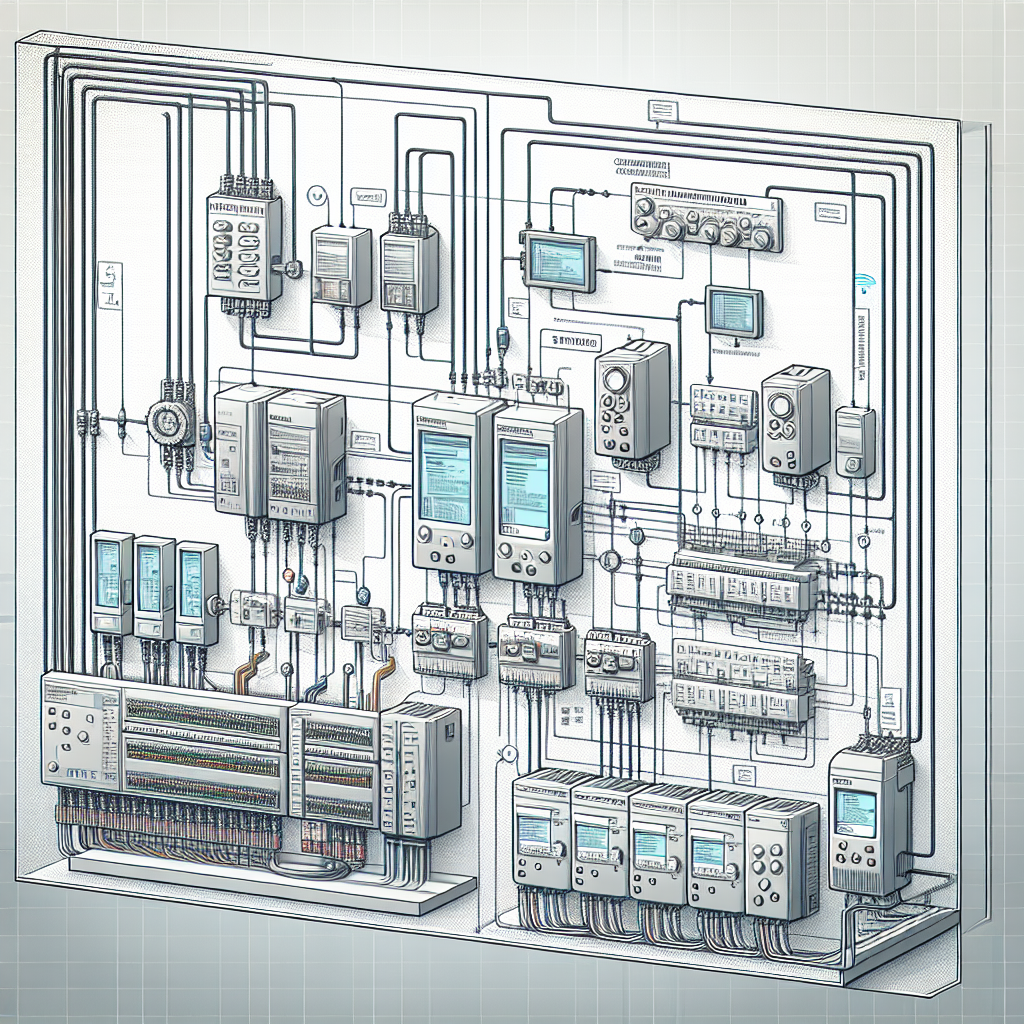
Cybersecurity in SCADA systems isn’t just an afterthought; it’s a priority. The interconnected nature of SCADA systems makes them vulnerable to cyber threats. In 2010, the infamous Stuxnet worm specifically targeted PLCs in nuclear facilities, underscoring the need for robust security measures.
Strategies to protect SCADA networks include implementing firewalls, encrypting data, and using secure access protocols. Regularly updating your software and firmware is critical. Additionally, training your personnel on cybersecurity best practices can prevent breaches caused by human error.
Real-world security breaches have shown how devastating attacks can be. For instance, the 2015 cyberattack on Ukraine’s power grid disrupted services and highlighted the importance of SCADA security. Therefore, always conduct regular security audits and stay updated on emerging threats.
I once witnessed a near-miss when someone accidentally left a USB stick with malware in the control room. Luckily, our safeguards prevented any damage, but it was a wake-up call about the importance of strict access controls.
Common Mistakes to Avoid
In my 15 years, I’ve seen a fair share of blunders in SCADA design. Here are some common mistakes you should steer clear of:
1. Ignoring Scalability: Designing for the present without considering future growth can trap you. Always plan for expansion.
2. Poor Documentation: Skipping documentation can lead to chaos during troubleshooting. Document everything meticulously.
3. Overcomplicated Interfaces: A cluttered HMI confuses operators. Stick to simplicity and clarity.
4. Neglecting Security: Underestimating cybersecurity can have catastrophic consequences. Always prioritize security protocols.
5. Inadequate Training: Skipping on training your team can lead to operational errors. Ensure everyone knows how to use the system properly.
Testing and Commissioning a SCADA System
Before going live with your SCADA system, pre-commissioning checks are essential to ensure everything functions as expected. Check all connections, verify network configurations, and confirm that all devices are communicating correctly. Once, during a late-night commissioning, I realized a simple typo in an IP address was causing a cascade of errors. Double-check everything!
Troubleshooting common issues often involves checking for loose connections or misconfigured devices. To ensure a smooth commissioning process, follow a structured checklist. Document your procedures and findings, as this documentation can be invaluable for future maintenance and troubleshooting.
Common pitfalls include neglecting to back up configuration files and overlooking minor alarms, which can indicate bigger issues. Avoid these by maintaining rigorous documentation and performing regular system health checks.
Troubleshooting Tip: If you suspect a network issue, start by pinging each device. This simple step can quickly identify connectivity problems.
Frequently Asked Questions
What are the main components of SCADA systems?
A typical SCADA system comprises Human-Machine Interfaces (HMIs), Remote Terminal Units (RTUs), Programmable Logic Controllers (PLCs), and communication infrastructure. These components work together to monitor and control industrial processes.
How do I ensure my SCADA system is secure?
To secure your SCADA system, implement strong password policies, regularly update systems, use encryption, and conduct frequent security audits. Training your team on security practices is equally important.
What should I consider when selecting SCADA software?
When selecting SCADA software, consider compatibility with your existing hardware, scalability, user-friendliness, and support. Also, evaluate the software’s cybersecurity features and community support.
How do I troubleshoot network issues in SCADA?
Troubleshooting network issues involves checking for loose connections, verifying IP settings, and ensuring network devices are powered and properly configured. Use network diagnostic tools to pinpoint issues efficiently.
Can I integrate SCADA systems with IoT devices?
Yes, SCADA systems can be integrated with IoT devices to enhance data collection and analysis. This combination can lead to smarter decision-making and predictive maintenance capabilities.
How often should SCADA systems be updated?
Regular updates are crucial for security and functionality. Ideally, update SCADA systems quarterly, or as soon as new patches are available. Always test updates in a controlled environment before full deployment.
Key Takeaways for Designing SCADA Systems
Designing SCADA systems requires a balance of technical know-how and practical experience. Always keep security at the forefront and don’t shy away from learning the ins and outs of your chosen protocols. Remember, redundancy isn’t just a luxury—it’s a necessity.
For common challenges, keep your troubleshooting skills sharp and maintain detailed documentation. This will save you from unnecessary downtime and headaches. And honestly, keep learning. The field of SCADA design continually evolves, and staying up-to-date can be your biggest asset.
In conclusion, SCADA design is as much about understanding technology as it is about anticipating challenges. So next time you’re in the plant canteen, share your experiences. Engaging with colleagues can offer new insights and solutions. And do visit industrialgyan.com for more tips and stories from the field. Trust me, there’s always something new to learn!

I am an electrical & automation engineer with extensive experience in Design, PLC programming, SCADA development, and IoT integration. I have a strong background in the industry, focusing on the Design & Development of Hardware, Software &Industry 4.0 technologies, and the integration of intelligent manufacturing systems.
I have a deep understanding of electrical principles and am proficient in various programming languages, including Ladder Logic, Structured Text, and Python. In addition, I have experience with various PLC, SCADA & IoT technologies and a track record of successful integration projects for various clients.