

Introduction: Why PLCs Matter
If you’ve ever dived into the world of PLC Programming, you’ll know how it revolutionizes industrial automation. I remember my early days on the plant floor when we faced a daunting task of replacing an obsolete relay-based control system. Enter the Programmable Logic Controller, or PLC. It was like moving from a typewriter to a computer. The transformation was night and day.
PLCs have become the backbone of modern manufacturing. You can’t walk into any serious industrial setup without bumping into these workhorses. They’ve replaced complex relay systems, offering flexibility and precision that you just can’t get otherwise. Moreover, PLCs handle everything from simple machine controls to complex batch processes, all while providing the reliability and speed that keeps production lines humming.
Here’s the thing, once we installed a Siemens S7-1200 to take over a packaging line’s control, downtime dropped by over 50%. The ability to troubleshoot and modify logic on the fly without rewiring was a game-changer. In my experience, this is what makes PLCs indispensable in today’s fast-paced industrial environment. They’re not just controllers; they’re enablers of efficiency and innovation.
Understanding PLC Components
Before we dive into PLC Programming, let’s break down the core components of a PLC system: the CPU, I/O modules, and the power supply. Picture this as the brain, limbs, and heart of your setup.
The CPU, or central processing unit, is the brain. It processes the control logic, supervises communication between modules, and executes the program. Think of it like the conductor of an orchestra, ensuring everything runs perfectly in sync. Now, when I say CPU, I mean more than just the chip. It’s a complete package that may include memory, a clock, and a network interface.
Next up, the I/O modules. These are the limbs of the PLC. They interface with the external world, taking in inputs like sensor data and sending out commands to devices. I/O modules come in various flavors—digital, analog, high-speed—depending on what you need to control. I remember one time at a food processing plant, we swapped out some digital I/O modules for analog ones to better handle temperature controls. The change improved the product consistency significantly.
Finally, the power supply. It’s the heart, feeding the system with the juice it needs to operate. Without it, nothing runs. Simple as that. In one instance, a faulty power supply caused intermittent PLC shutdowns in a bottling plant. Replacing it with a higher-rated unit from Allen Bradley resolved the issue and kept the lines running smoothly.
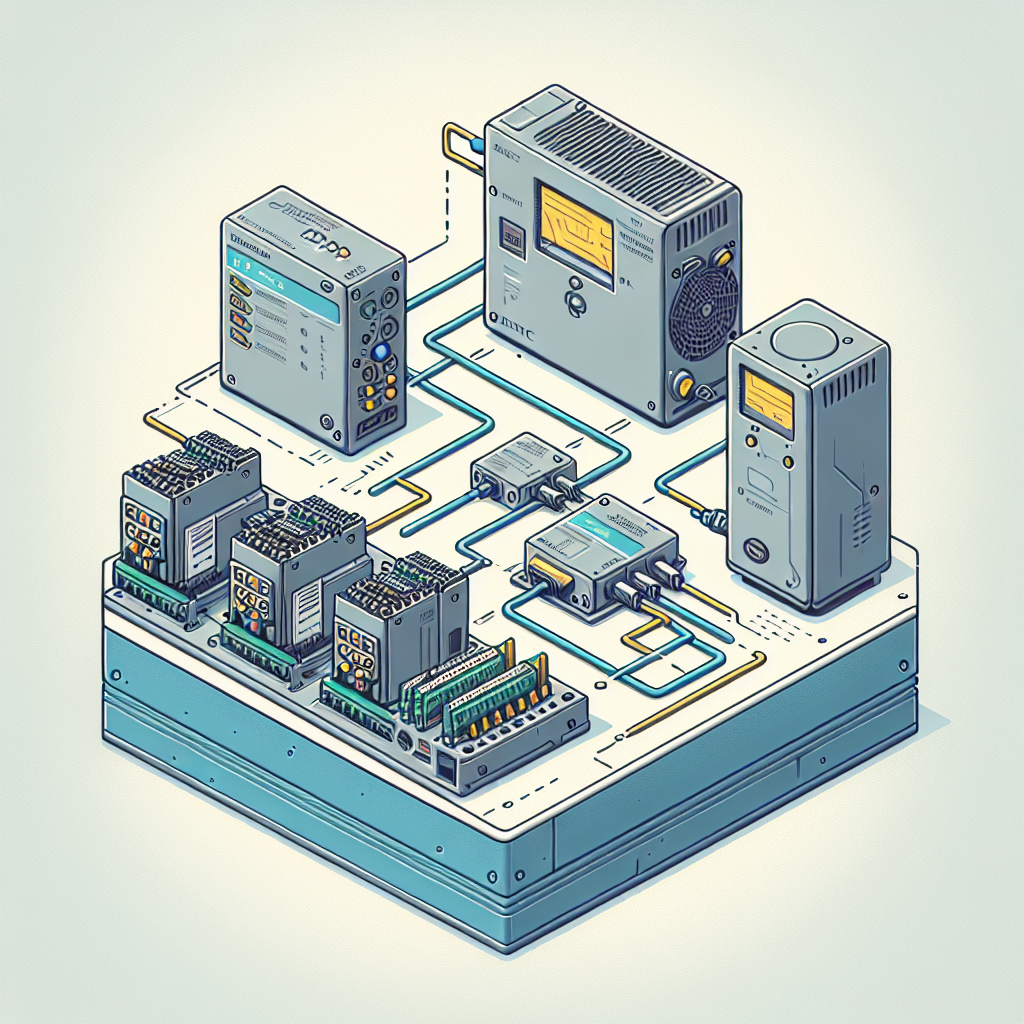
These components work together to form a cohesive system. You program the CPU, select I/O modules that suit your application, and ensure your power supply can handle the load. Major brands like Siemens, Allen Bradley, and Mitsubishi have perfected this orchestration. They’re reliable, durable, and easily available, making them the go-to choices worldwide.
Basic PLC Programming Concepts
Now, let’s get into the nitty-gritty of PLC Programming. The two fundamental languages you need to know are Ladder Logic and Function Block Diagrams (FBD).
Ladder Logic is the granddaddy of PLC Programming languages. It’s visual, resembling electrical relay circuits, which makes it intuitive for technicians familiar with relay logic. Imagine a vertical line on the left, representing power, and horizontal lines branching off it—these are your rungs. Each rung represents a logical operation.
For instance, consider a simple start-stop circuit. The rung starts with a normally open contact, which activates when you press the start button. This activates a coil (your motor starter), with another contact in parallel to the start button to hold the circuit when you release the button. It’s straightforward but powerful.
Function Block Diagrams, on the other hand, offer a different approach. They’re graphic and modular, using blocks to represent functions. You connect these blocks with lines, indicating the flow of data. FBD is particularly useful for complex processes where you need to visualize data flow and function interaction. I once worked on a wastewater treatment plant project where FBDs helped us map out the entire process, making it easier to identify and resolve functional issues.
Pro Tip: In my experience, Ladder Logic is excellent for simple, repetitive tasks, while FBD shines in process control applications where you deal with PID loops or need a clear overview of data flow.
Both languages have their place, and the real trick is knowing when to use each one. Additionally, manufacturers like Siemens and Rockwell Automation include these languages in their programming environments, such as TIA Portal and Studio 5000. They’re versatile, and you’ll often find yourself switching between them depending on the task at hand.
Setting Up Your First PLC Project
Alright, you’re geared up and ready to start your first PLC Programming project. Let’s break it down into two parts: software installation and hardware setup.
Software Installation
First, you’ll need development software. For Siemens, it’s the TIA Portal. For Allen Bradley, you’d go with Studio 5000. These platforms are where you’ll write and test your programs.
Start by installing the software on a robust PC; you’ll want plenty of RAM and a solid processor. Follow the installation guide; it’s mostly straightforward. Make sure you have the necessary licenses—trust me, there’s nothing worse than getting everything set up only to be hit by a license error.
Install the necessary drivers to ensure your PC can communicate with the PLC. USB or Ethernet drivers are common, depending on your PLC model. Once you’re set up, take time to familiarize yourself with the software environment. Most platforms offer simulators, which are invaluable for testing your code without causing havoc on the plant floor.
Hardware Setup
Now, onto the hardware. Start with a simple setup: your PLC, a few I/O modules, and a power supply. Place the PLC on a DIN rail and ensure it’s securely snapped in place. Connect your I/O modules, ensuring they align correctly with the PLC bus.
Wiring is crucial. Use the right gauge wire for your connections and double-check your terminal strip. For a simple project, connect a pushbutton to a digital input and a lamp to a digital output. This basic setup is enough to test your PLC Programming skills.
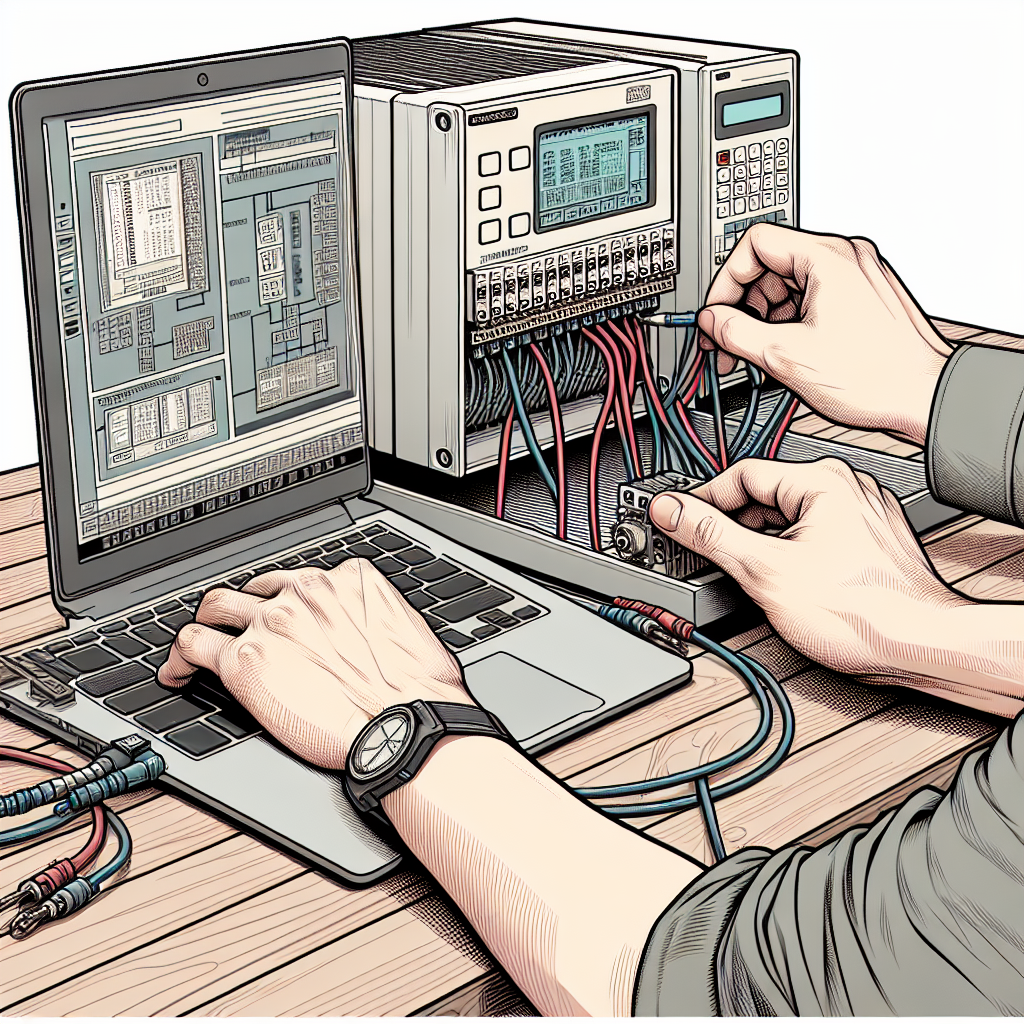
From my experience: Always triple-check your wiring. I once spent an hour troubleshooting a “faulty” input that was just a miswired terminal. Rookie mistake, but it happens!
Once everything’s connected, power it up. Check for any fault lights on the PLC or I/O modules. If all’s green, you’re good to go. Load your first program from the development software and see your creation come to life. Additionally, keep a multimeter handy. It helps in verifying your connections and troubleshooting any unexpected issues.
Remember, the key to success with PLC Programming is practice. The more you work with these systems, the more intuitive they’ll become. And don’t hesitate to reach out to forums or colleagues if you hit a snag. We’ve all been there, and sharing knowledge is what makes us better engineers.
Common PLC Programming Challenges
So, you’re diving into PLC programming, and it feels like a whole new world. Don’t worry, you’re not alone. Many beginners encounter the same hurdles, and there are ways to tackle them effectively.
- Incorrect Addressing: A classic mistake is getting the addressing wrong. It sounds simple, but when you’re juggling hundreds of inputs and outputs, it’s easy to misstep. Double-check your I/O configuration against your wiring diagrams. Trust me, it saves hours of head-scratching.
- Logic Errors: In my experience, most logic issues arise from misunderstanding the sequence of operations. A common rookie mistake is assuming the PLC scans like a computer program. Remember, it scans continuously in cycles.
- Communication Hiccups: I’ve spent whole afternoons chasing down network issues that turned out to be simple IP conflicts. Ensure your devices are on the correct subnet and check those MAC addresses.
Funny enough, I once spent a weekend troubleshooting what I thought was a complex ladder logic error, only to find a sensor wire disconnected. Logical debugging is like detective work. Break it down: isolate sections of your code, test assumptions, and use debugging tools like force commands strategically. You’ll find the culprit faster than you’d expect.
Common Mistakes to Avoid
Even seasoned pros can slip up. Here are some common mistakes you should try to avoid:
- Neglecting Documentation: Trust me, you’ll regret not documenting as you go. Without clear documentation, even simple fixes can turn into monumental tasks. Keep notes as you design and modify your programs.
- Ignoring Error Codes: Many engineers overlook error codes, thinking they’ll solve the issue later. Don’t dismiss them. These codes are like breadcrumbs leading you to the problem.
- Overcomplicating Logic: Simplicity is key in PLC Programming. Sometimes engineers get too clever, writing programs that are hard to decipher later. Stick to clear, straightforward logic.
- Poor Cable Management: A messy setup can lead to signal interference and maintenance nightmares. Invest the time in organizing your cables from the start. Your future self will thank you.
- Failing to Test Programs Thoroughly: Testing in a simulated environment is good, but never skip testing your program in real-world conditions. This helps catch environmental variables you might miss otherwise.
Best Practices in PLC Maintenance
Keeping your PLCs in top shape is vital for avoiding downtime. A little proactive maintenance goes a long way.
Regular Backups
First off, always have backups of your PLC programs. I’ve seen too many cases where a PLC failure meant starting from scratch because someone skipped this step. Backup every time you make changes, and store them securely. You’ll thank yourself when you can restore in minutes instead of recreating from memory.
Routine Checks
Perform routine checks on your PLCs. Look for physical signs of wear on connections and make sure ventilation isn’t blocked. Additionally, it’s important to review error logs for any signs of trouble. These logs might point you to potential issues before they escalate.
Furthermore, keep your documentation up to date. I’ve found that a well-documented system saves time, especially during emergencies. Annotate your ladder diagrams, and maintain a log of all modifications. It not only helps you but those who follow in your footsteps.
Frequently Asked Questions
What is the difference between PLC and microcontroller?
Great question! A PLC is an industrial computer designed to handle multiple inputs and outputs, often used for automation on a larger scale. It’s robust, designed for harsh environments, and supports complex control tasks. A microcontroller is a simpler, general-purpose chip found in consumer electronics. It’s less powerful and not typically used for heavy industrial tasks.
How do I choose the right PLC for my application?
Choosing the right PLC involves understanding your specific application needs. Consider factors like I/O count, communication protocols, environmental conditions, and future expansion. If you’re just starting, a compact model like the Siemens S7-1200 or Allen Bradley MicroLogix is a good choice. Check with vendors and compare specs carefully.
Can I use open-source software with PLCs?
While most commercial PLCs rely on proprietary software, some PLCs do support open-source platforms. However, it’s rare in industrial settings due to reliability and support concerns. Stick to vendor-supported tools for industrial applications to ensure compatibility and technical support.
What are the safety precautions when working with PLCs?
Safety first! Always ensure power is off before working on a PLC. Use insulated tools and wear appropriate safety gear. Additionally, be aware of any stored energy in the system, such as capacitors. Follow lockout/tagout procedures strictly to avoid accidents.
In my 15 years of experience, I’ve learned that safety can’t be overstressed. Once, I witnessed a technician get shocked because he didn’t verify all sources of power were off. Always double-check.
Key Takeaways for Beginners
Alright, let’s wrap this up with some key takeaways for diving into PLC programming. First, practice is key. The more you experiment, the more you’ll learn. Don’t shy away from making mistakes. They’re your best teachers.
Moreover, keep learning. With technology evolving, there’s always something new. I personally prefer online courses and webinars for staying updated. Join forums and communities like the ones on industrialgyan.com or PLCTalk.net. Engaging with other professionals can offer insights you might not find in manuals.
Lastly, document everything. You’ll build a valuable resource over time, making future projects smoother. Trust me, your future self will appreciate it.
So, there you have it. PLCs can seem daunting, but with persistence and the right approach, you’ll master them. If you’re ever in doubt, reach out. Share your stories, ask questions, and keep that spirit of curiosity alive. And if you’re hungry for more, check back with industrialgyan.com for articles, updates, and community support. Happy programming!

I am an electrical & automation engineer with extensive experience in Design, PLC programming, SCADA development, and IoT integration. I have a strong background in the industry, focusing on the Design & Development of Hardware, Software &Industry 4.0 technologies, and the integration of intelligent manufacturing systems.
I have a deep understanding of electrical principles and am proficient in various programming languages, including Ladder Logic, Structured Text, and Python. In addition, I have experience with various PLC, SCADA & IoT technologies and a track record of successful integration projects for various clients.