

Introduction: Why PLC Programming Matters
If you’ve ever dealt with PLC programming issues on the plant floor, you know how frustrating they can be. I remember one time, a seemingly simple task of updating a sequence in an existing program turned into an all-nighter. The issue? A minor oversight in how the subroutine interacted with the main routine, causing the entire line to halt unexpectedly. It’s these quirks that highlight why understanding PLC programming in detail is so crucial for automation engineers.
PLC programming is the backbone of industrial automation. It’s how we make machines do what we want, when we want. Without it, you’d have a bunch of expensive hardware sitting idle. With industries pushing for more automation, efficient PLC programming ensures everything runs smoothly—from the simplest conveyor belt to complex production lines.
Now, let’s talk languages. There are a few different programming languages you can use, each with its own strengths and weaknesses. We’ve got Ladder Logic, Function Block Diagram (FBD), Structured Text (ST), and a few others we’ll get into. Each one has its place, and knowing when and why to use each can make all the difference. So, let’s start breaking them down.
Ladder Logic: The Old Reliable
When to Use Ladder Logic
Ladder Logic is like an old friend. It’s been around since the days when relay logic was king, and it continues to be a favorite. Why? Because it works. Engineers use Ladder Logic for its simplicity and because it closely resembles electrical schematics, which makes it intuitive for anyone with an electrical background.
You’ll often see Ladder Logic employed in applications where you need straightforward, reliable control. It’s perfect for things like motor control, simple sequential processes, and safety interlocks. Its visual nature allows for quick diagnostics and troubleshooting, which can be a lifesaver during production emergencies. Plus, programs written in Ladder are usually easier for technicians to understand without a deep programming background.
Common Mistakes to Avoid
Despite its simplicity, Ladder Logic isn’t foolproof. In my experience, the most common mistake is overcomplicating the rungs. I once saw a program with so many nested contacts and coils that it looked like a plate of spaghetti. Keep it simple. Break complex processes into smaller, manageable parts.
Another pitfall is not using descriptive tags. “B3:0/1” might mean something to you now, but in six months, you’ll have no idea what it controls. Name your bits and coils meaningfully. Moreover, be mindful of scan time. Adding too many instructions per rung can slow down execution, impacting overall system responsiveness.
Finally, ensure that you’re using the correct model numbers and versions, such as ensuring compatibility with systems like the Allen Bradley CompactLogix L24ER or Siemens S7-1200.
Pro Tip: Always simulate your ladder logic in an offline environment before deploying it live. You’ll catch errors that could otherwise cause downtime.
Function Block Diagram (FBD): Modular and Visual
Benefits of Using FBD
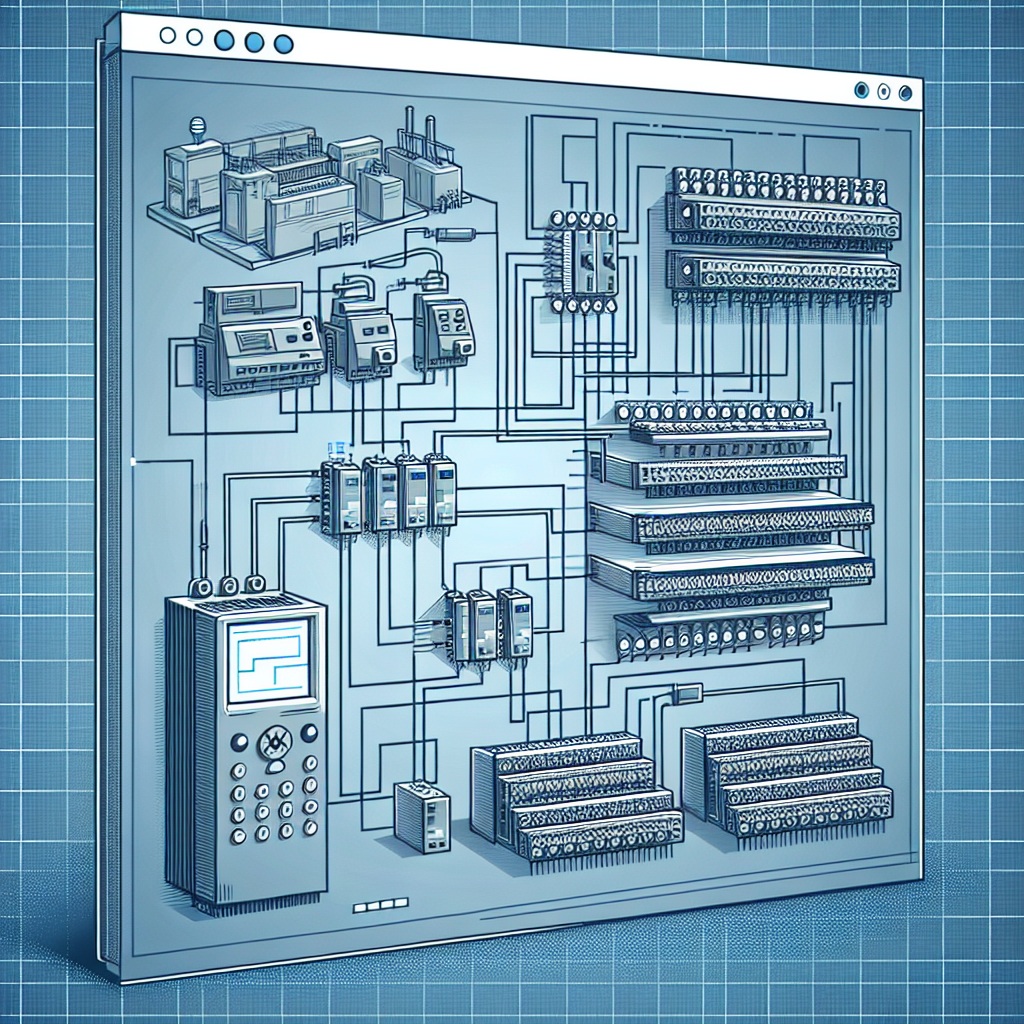
Function Block Diagram, or FBD, takes a more visual approach to PLC programming. Imagine building with Lego blocks—each block represents a function, and you connect them to create the desired outcome. It’s a great way to manage complex control tasks without getting lost in lines of code.
The real trick with FBD is its modularity. You can develop reusable blocks that simplify programming and debugging. This approach not only saves time but also promotes consistency across your projects. In addition, FBD is often easier to understand for those who aren’t programmers but still need to grasp the system’s operation.
Real-World Applications
FBD shines in processes that require a lot of analog signal processing or where PID loops are involved. For instance, I’ve used FBD to manage a wastewater treatment plant’s aeration system. The visual nature made it easy to map out and adjust the complex relationships between oxygen levels, flow rates, and pump speeds.
Additionally, many modern PLCs, like Siemens S7-1500, offer robust libraries of pre-defined function blocks that can be drag-and-dropped into your project. It’s a real time-saver and can significantly reduce programming errors. However, always test these blocks thoroughly, as assumptions made during their development might not fit your specific needs.
Pro Tip: Leverage the pre-built libraries available in systems like Siemens TIA Portal to speed up your development process.
Structured Text (ST): Power and Flexibility
Why Choose Structured Text?
Structured Text is the powerhouse of PLC programming languages. If you’ve got a background in traditional programming languages like C or Python, you’ll feel right at home. ST allows for sophisticated control algorithms and data handling that’s just not possible with Ladder Logic or FBD.
The main advantage of ST is its flexibility. You can implement complex mathematical functions, loops, and conditionals with ease, making it ideal for tasks that require more than just simple on/off control. For example, I’ve used ST to handle advanced data logging and reporting tasks that would be cumbersome in other languages.
Challenges with ST
However, ST isn’t without its challenges. Transitioning to ST from a more visual language can be daunting. It requires a good understanding of the underlying logic and a knack for coding. Mistakes are harder to spot because you’ll be wading through lines of text rather than visual indicators.
From my experience, the biggest hurdle is debugging. Syntax errors can be tricky, and without a clear understanding, you might spend hours on what seems like an insignificant mistake. Therefore, always use comments generously. They’ll save you a lot of headaches when you (or someone else) returns to the code later.
Pro Tip: When writing in Structured Text, modularize your code. Break down functions into smaller, reusable parts. It makes debugging and future modifications much easier.
So there you have it, a look at three of the key languages in PLC programming. Each has its place, its quirks, and its strengths. Whether you’re dealing with a simple motor control or a complex process involving hundreds of variables, choosing the right language for the job can make all the difference. Keep these insights in mind the next time you dive into a programming project.
Sequential Function Charts (SFC): Process-Oriented
When SFC is Most Useful
If you’ve ever managed a complex process with multiple steps and transitions, you’ve probably found yourself wishing for something like Sequential Function Charts (SFC). The beauty of SFC lies in its ability to handle sequential control and processes that require detailed step-by-step actions. Think of a batch process in a chemical plant where each step needs precise timing and decision points. That’s where SFC shines.
In my experience, using SFC for applications like these simplifies the logic and makes troubleshooting a breeze. You can visually see each step, transition, and action, which means less time scratching your head over what went wrong during a process fault. It’s particularly useful when dealing with state machines or complex sequencing.
Integration with Other Languages
Here’s where it gets interesting: SFC doesn’t exist in a vacuum. Most modern PLCs allow you to integrate SFC with other programming languages like Ladder Logic or Structured Text. So, for instance, you might handle the overall process flow with SFC but dive into the nitty-gritty calculations using Structured Text. This flexibility lets you leverage the strengths of each language.
I’ve found that integrating SFC with Ladder Logic helps when dealing with interlocks or safety checks. You can quickly switch between views and make adjustments without losing track of the overall process sequence. It’s like having the best of both worlds at your fingertips.

Choosing the Right Language for Your Project
Factors to Consider
So, how do you decide which language to pick for your PLC programming? It largely depends on the complexity of the project, the skill set of your team, and specific project requirements. For example, if your team is already well-versed in Ladder Logic, sticking with it can save you time and headaches in training.
However, if you’re dealing with a project that requires extensive data manipulation, like an advanced HVAC system, Structured Text might be your best bet. It offers more power and flexibility for math operations and complex decision-making. Don’t forget to consider the maintainability of the code and how future engineers will interact with it.
Project Examples
Let’s say you’re automating a simple conveyor belt system. Ladder Logic would likely suffice because it’s straightforward and easy to debug. Now, suppose you’re working on a multi-phase motor control system. FBD could simplify your task with its modular approach. In another case, if you have a process plant with a lot of sequence control, SFC would probably be your go-to choice.
Honestly, I think it’s less about finding the ‘perfect’ language and more about finding the right fit for your specific needs. You don’t want to be the engineer forcing a square peg into a round hole.
Common Mistakes to Avoid
When it comes to PLC programming, even seasoned engineers can slip up. Here’s a list of common mistakes to avoid:
- Overcomplicating Logic: Keep your logic simple and manageable. Complex rungs can confuse both you and your PLC.
- Neglecting Documentation: Always document your code. It helps you and others understand the logic down the line.
- Ignoring Safety Protocols: Never bypass safety interlocks in your programming. It can lead to catastrophic failures.
- Incorrect Timing Settings: Ensure all timers are set correctly to avoid process mishaps, especially in critical operations.
- Skipping Simulations: Always simulate your program before live execution. It prevents unexpected behavior during production.
Frequently Asked Questions
Which PLC programming language is easiest to learn?
If you’re just starting, Ladder Logic is generally the easiest to get your head around. It’s visual and resembles electrical relay logic, which many beginners find intuitive. However, as you get more comfortable, exploring other languages like Structured Text can broaden your capabilities.
Can I mix programming languages in one PLC project?
Yes, you can! Most modern PLCs support mixing languages within a project. For example, you might use SFC for process control and Ladder Logic for simple I/O management. This flexibility can make your system both robust and efficient.
How do I transition from Ladder Logic to Structured Text?
Transitioning isn’t as daunting as it seems. Start small by converting simple Ladder Logic rungs into Structured Text. As you grow more confident, tackle bigger chunks of your project. Utilizing online resources and practice will ease the transition.
What are the industry standards for PLC programming?
The IEC 61131-3 standard is the go-to for PLC programming, covering five languages: Ladder Diagram, Function Block Diagram, Structured Text, Sequential Function Chart, and Instruction List. Familiarity with this standard can streamline your work across different platforms.
Is it necessary to learn all PLC programming languages?
Not necessarily. Mastery of one or two languages often suffices for most projects. However, understanding the basics of others can be beneficial, especially if you work in diverse fields or frequently collaborate with other engineers.
Key Takeaways: Quick Reference Guide
Let’s wrap things up with a quick look at each language. Ladder Logic is your go-to for simple, straightforward tasks and is incredibly easy to debug. Function Block Diagram offers a modular approach, great for repetitive logic. Structured Text gives you the power for complex computations and data handling.
Sequential Function Charts excel in process-oriented tasks with their step-by-step structure. When choosing, consider your project’s complexity, team expertise, and future maintenance needs. I’d suggest checking out Industrial Gyan for more resources, and Siemens’ guide on PLC programming for additional insights.
In my view, the right language can make your life easier and your project smoother. If you have any questions or insights, drop a comment below. Let’s keep the conversation going!
Here’s the thing: PLC programming isn’t just about writing code. It’s about understanding your machinery, anticipating its needs, and ensuring everything runs as smoothly as possible. Whether you’re just starting or you’ve got years under your belt, there’s always more to learn.

I am an electrical & automation engineer with extensive experience in Design, PLC programming, SCADA development, and IoT integration. I have a strong background in the industry, focusing on the Design & Development of Hardware, Software &Industry 4.0 technologies, and the integration of intelligent manufacturing systems.
I have a deep understanding of electrical principles and am proficient in various programming languages, including Ladder Logic, Structured Text, and Python. In addition, I have experience with various PLC, SCADA & IoT technologies and a track record of successful integration projects for various clients.